| Inkscape » Paint Bucket Tool » Filling Multiple Regions |    |
|---|
| Inkscape » Paint Bucket Tool » Filling Multiple Regions | |
|---|
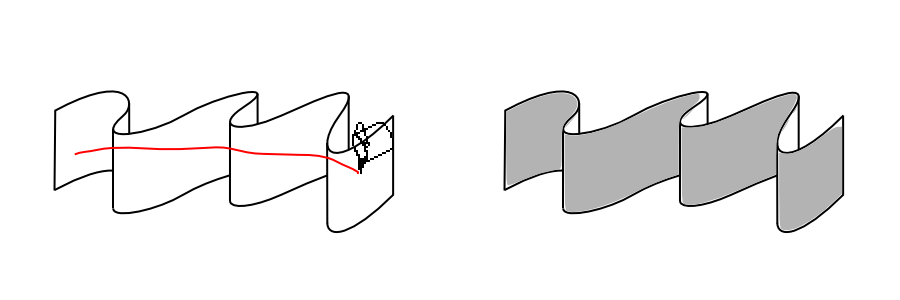
Click-dragging the Paint Bucket Tool while holding the Alt key down across several non-contiguous regions will cause all the regions to be filled. (Not holding the Alt down will cause the borders to also be filled.)
| |  | |
| Filling Fidelity |  | Closing Gaps |
© 2005-2008 Tavmjong Bah. | Get the book. |